 AZ TOOLS

AZ Fake Physics
Secondary motion on rig controls: overlap, follow-through and settle, solved live while the animation plays, without simulating a single mesh.
- Polishing
- Version 0.2.0
- Maya 2023 – 2027
- Windows
- Licensed · free plug-in
What it does
Every control gets a small spring-damper solver. The animation stays exactly as keyed; the solver adds its lag and overshoot on top, through the control's offset, so a tail, a skirt, a cape or a hand swings after the body without a single extra key.
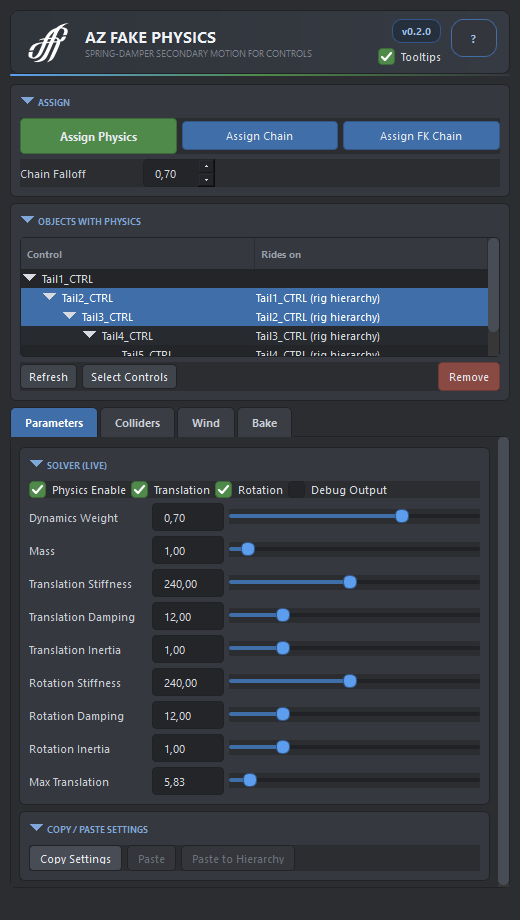
- Single controls, chains and FK chains. A chain carries the motion down from the root with a falloff; an FK chain changes only rotation, so limbs and fingers swing without stretching.
- Live tuning. Stiffness, damping, inertia, mass and limits are plain attributes on the solver; the next frame already plays the new values. Copy the tuning from one control and paste it over a whole hierarchy.
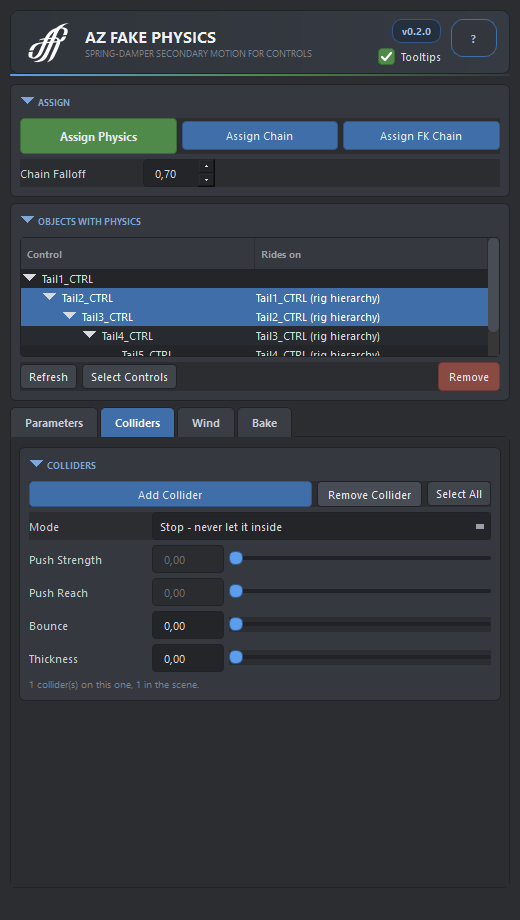
- Colliders. Spheres and capsules that a control may rest against but never enter, or that push it away before it arrives. Scale a collider in the viewport: it collides as it looks.
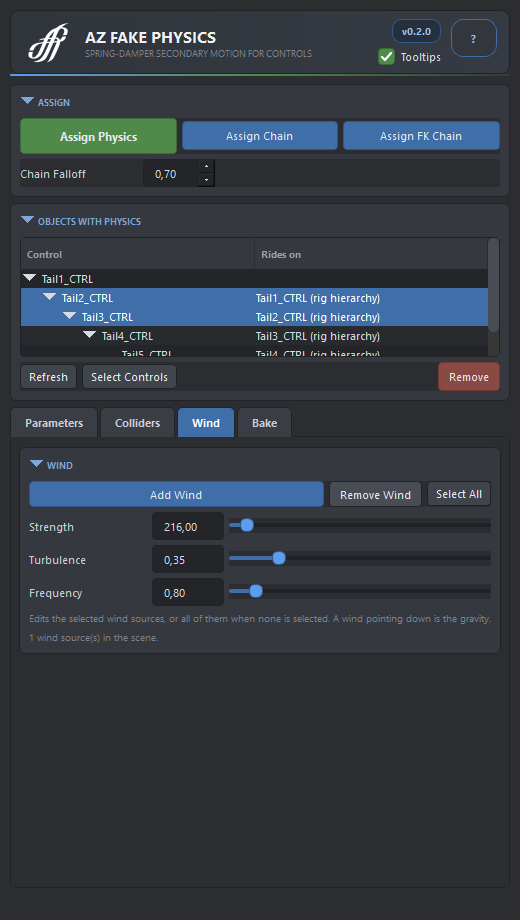
- Wind. A direction you aim in the viewport, with turbulence that changes direction as well as strength. Pointing it down is the gravity.
- Bake. Turns the motion into ordinary keys on the controls and removes the solvers, leaving nothing that needs the plug-in.
The window
Availability
AZ Fake Physics, the editor, is a licensed tool of AZ Tools. AZ Fake Physics MLL, the solver plug-in alone, is free for every registered account: a rig or a shot with physics opens and plays anywhere, also for people who do not edit it. Both install from the AZ Tools Manager, in the Polishing tab.
Get AZ Tools ManagerPurchase and licensing. Write to [email protected] or on Telegram to @azigooo - directly to the author.